


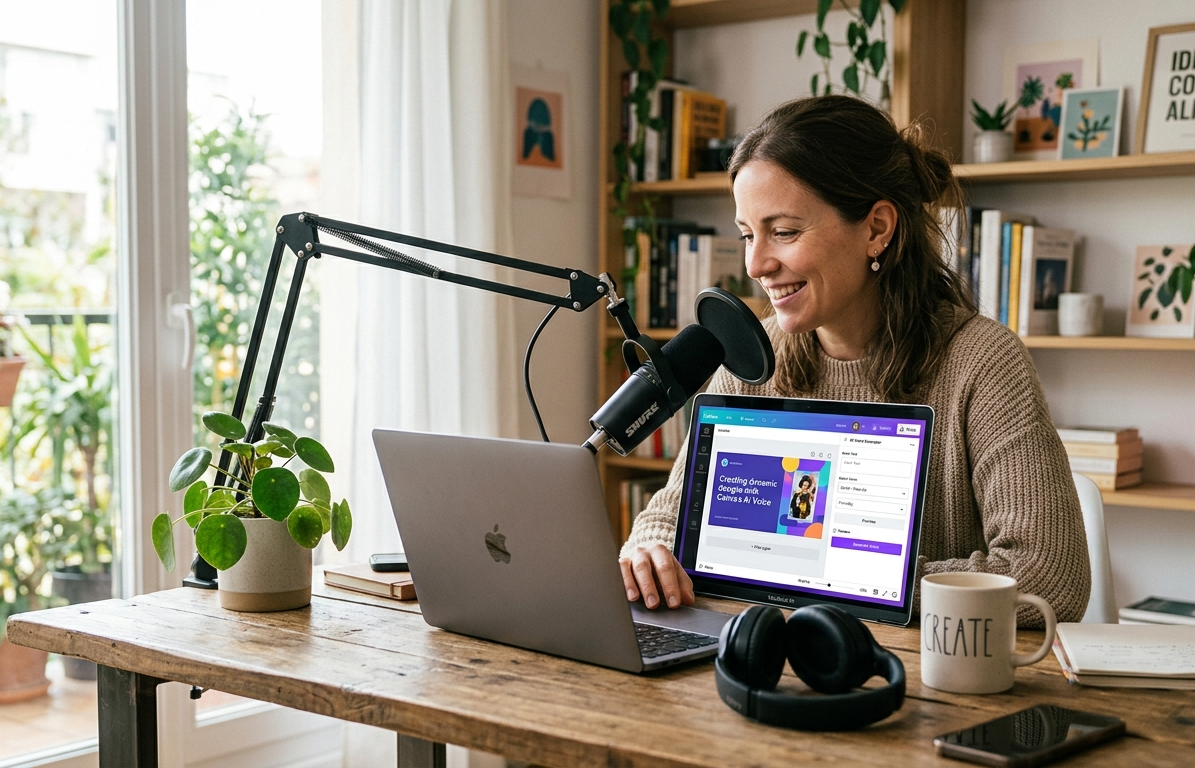
Creating high-quality voiceovers used to require expensive microphones, professional recording equipment, and hours of editing. Today, artificial intelligence has completely changed the game. One of the most talked-about tools in this space is the Canva AI Voice Generator, a feature that allows users to create realistic voiceovers directly within Canva’s creative ecosystem.
Whether you’re a content creator, marketer, educator, business owner, or social media enthusiast, the Canva AI Voice Generator offers a simple way to transform written text into natural-sounding speech. Instead of hiring voice actors or recording your own audio, you can generate professional voiceovers with just a few clicks.
As AI-powered content creation continues to grow, Canva has positioned itself as more than just a graphic design platform. The addition of AI voice generation tools has made it an all-in-one solution for creating videos, presentations, tutorials, advertisements, and social media content. In this guide, we’ll explore everything you need to know about the Canva AI Voice Generator and why it has become such a valuable tool for modern creators.
What Is the Canva AI Voice Generator?
The Canva AI Voice Generator is a text-to-speech tool that converts written content into spoken audio using artificial intelligence. Instead of manually recording a voiceover, users simply type or paste their text, select a voice, and let the AI generate the narration.
The technology behind AI voice generation has improved significantly in recent years. Earlier text-to-speech systems often sounded robotic and unnatural. Modern AI models, however, can produce speech that closely resembles human conversation, complete with natural pacing and pronunciation.
Canva integrates this technology directly into its creative platform, allowing users to combine visuals, animations, videos, and voiceovers without switching between multiple applications. This streamlined workflow saves time and makes content production much more efficient.
For creators who regularly produce multimedia content, having voice generation built into the design process can be a major advantage.
Why Canva Added AI Voice Generation
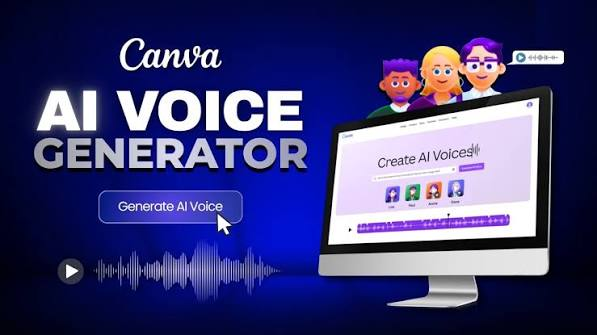
Canva has consistently evolved from a simple graphic design platform into a comprehensive content creation hub. As video content became more popular across platforms like YouTube, TikTok, Instagram, and LinkedIn, the demand for voiceover tools increased dramatically.
Many creators struggle with recording audio. Some lack professional equipment, while others feel uncomfortable using their own voice. AI voice generation solves both problems by providing an alternative that is fast, affordable, and easy to use.
Another reason Canva embraced AI voice technology is efficiency. Businesses and marketers often need to create multiple versions of content for different audiences. Generating voiceovers instantly allows teams to produce content at scale without sacrificing quality.
The integration of AI tools also aligns with Canva’s mission of making creative work accessible to everyone, regardless of technical expertise.
Key Features of Canva AI Voice Generator
One of the biggest reasons for the popularity of Canva’s AI voice tools is the wide range of features available to users. The platform is designed to accommodate beginners while still providing enough flexibility for experienced creators.
A major feature is the ability to convert text into speech within seconds. Users can enter their script and generate audio almost instantly, significantly reducing production time.
Another valuable feature is voice variety. AI-generated voices often come in different accents, genders, tones, and speaking styles. This flexibility allows creators to choose a voice that matches their content and target audience.
Canva also benefits from seamless integration. Since the voice generation tool exists within the Canva ecosystem, users can synchronize narration with slides, animations, videos, and visual elements without needing third-party software.
This integrated approach simplifies the entire creative process.
How the Canva AI Voice Generator Works
Using the Canva AI Voice Generator is typically a straightforward process. The user begins by creating a design project, such as a presentation, video, or social media clip.
Next, the script is entered into the voice generation tool. The AI analyzes the text and converts it into spoken language using advanced speech synthesis technology.
After selecting a preferred voice style, users can preview the generated narration. If adjustments are needed, they can edit the text and regenerate the audio until they achieve the desired result.
Once satisfied, the voiceover can be integrated directly into the project. This eliminates the need for exporting files between multiple applications and helps maintain a smooth workflow from start to finish.
The simplicity of the process is one of the reasons why AI voice generation continues to gain popularity.
Benefits of Using Canva AI Voice Generator
The Canva AI Voice Generator offers numerous benefits that appeal to both individuals and organizations. One of the most significant advantages is time savings.
Recording traditional voiceovers often requires multiple takes, editing sessions, and background noise removal. AI-generated narration can dramatically reduce these production steps.
Cost efficiency is another major benefit. Hiring professional voice actors can become expensive, especially for businesses producing content regularly. AI voice generation provides an affordable alternative for many projects.
Accessibility also plays an important role. Not everyone has access to professional recording equipment or a quiet recording environment. Canva’s AI tool removes these barriers, allowing anyone to create voiceovers regardless of their circumstances.
Additionally, users can experiment with different voices and tones without needing to schedule recording sessions or coordinate with external talent.
Best Use Cases for Canva AI Voice Generator
The versatility of the Canva AI Voice Generator makes it suitable for a wide range of content types. Educational content creators frequently use AI voiceovers for tutorials, training materials, and online courses.
Businesses often rely on AI narration for product demonstrations, internal presentations, marketing videos, and customer support resources. These applications benefit from the speed and consistency of AI-generated speech.
Social media creators also find value in the tool. Short-form videos often require quick narration, and AI voices can help creators maintain a steady publishing schedule.
Presentation designers, coaches, consultants, and entrepreneurs can use AI-generated voiceovers to make their content more engaging while reducing production complexity.
The tool’s flexibility allows it to adapt to many different creative and professional needs.
Canva AI Voice Generator vs Traditional Voice Recording
Traditional voice recording and AI-generated narration each have their strengths. Human voices naturally convey emotion, personality, and authenticity that can be difficult for AI to fully replicate.
However, traditional recording comes with challenges. Users need suitable equipment, recording environments, editing software, and sufficient time to produce professional results.
The Canva AI Voice Generator simplifies these requirements by automating much of the process. Users can generate polished voiceovers quickly without specialized technical knowledge.
For many projects, the convenience and efficiency of AI-generated speech outweigh the need for human narration. While certain high-end productions may still benefit from professional voice actors, AI solutions are becoming increasingly capable of meeting everyday content creation needs.
As technology continues to improve, the gap between AI-generated and human-recorded audio is steadily narrowing.
Tips for Creating Better AI Voiceovers
Even the best AI voice generators perform better when provided with well-written scripts. Short, clear sentences often produce more natural-sounding narration than overly complex text.
Punctuation also matters. Strategic use of commas and periods can help the AI create more realistic pauses and pacing. Proper formatting often leads to smoother audio output.
Creators should also consider their audience when selecting a voice style. A professional presentation may require a different tone than an entertaining social media video.
Previewing and refining the voiceover before finalizing the project can significantly improve the end result. Small adjustments to wording and sentence structure often make a noticeable difference in audio quality.
Taking time to optimize the script can help maximize the effectiveness of AI-generated narration.
The Future of AI Voice Generation in Canva
Artificial intelligence is advancing rapidly, and voice synthesis technology continues to improve year after year. Future versions of AI voice generators are expected to deliver even more realistic speech patterns, emotional expression, and language support.
As Canva expands its AI capabilities, users may gain access to more customization options, advanced voice controls, and improved multilingual functionality. These developments could further enhance the platform’s value for global content creators.
The growing popularity of video marketing, online education, and digital storytelling will likely drive additional investment in AI voice technology. Platforms that successfully integrate these tools will remain highly attractive to creators seeking efficiency and scalability.
Canva’s commitment to innovation suggests that AI voice generation will continue to play an important role in its long-term development strategy.
Final Thoughts
The Canva AI Voice Generator represents a significant step forward in content creation technology. By combining text-to-speech capabilities with Canva’s powerful design tools, the platform enables users to create professional voiceovers quickly and efficiently.
Whether you’re producing educational materials, social media videos, business presentations, marketing campaigns, or online courses, the Canva AI Voice Generator can simplify your workflow while maintaining high-quality results. Its ease of use, affordability, and integration with Canva’s broader ecosystem make it an appealing solution for creators at every skill level.
As artificial intelligence continues to reshape the creative landscape, tools like the Canva AI Voice Generator are helping individuals and businesses produce engaging content faster than ever before. For anyone looking to streamline voiceover production, Canva’s AI-powered solution is undoubtedly worth exploring.
You May Also Read: Chrisley Knows Best Daughter Dies

